One layer across the tools you already use.
Orbira connects your apps, watches for repeated work, and runs the routine parts under your approval.
Turn a sentence into a reviewable plan.
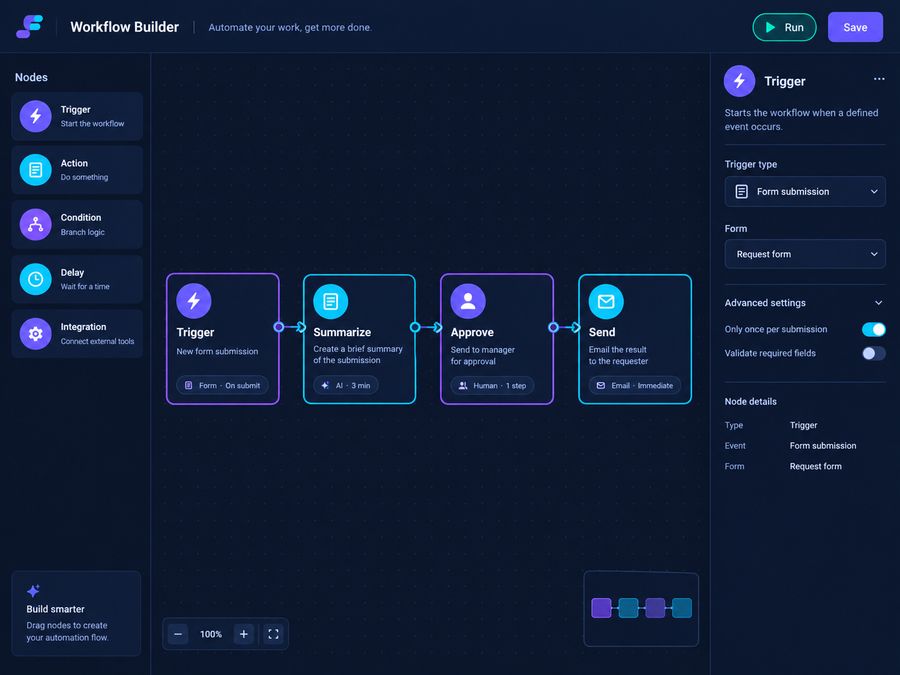
Write what you want in plain language. Orbira proposes a workflow as a short list of steps, for example: collect this week’s closed tickets, group them by customer, draft a summary, ask for approval, post it.
Edit any step, reorder them, or add a condition such as “only if more than ten tickets closed.”
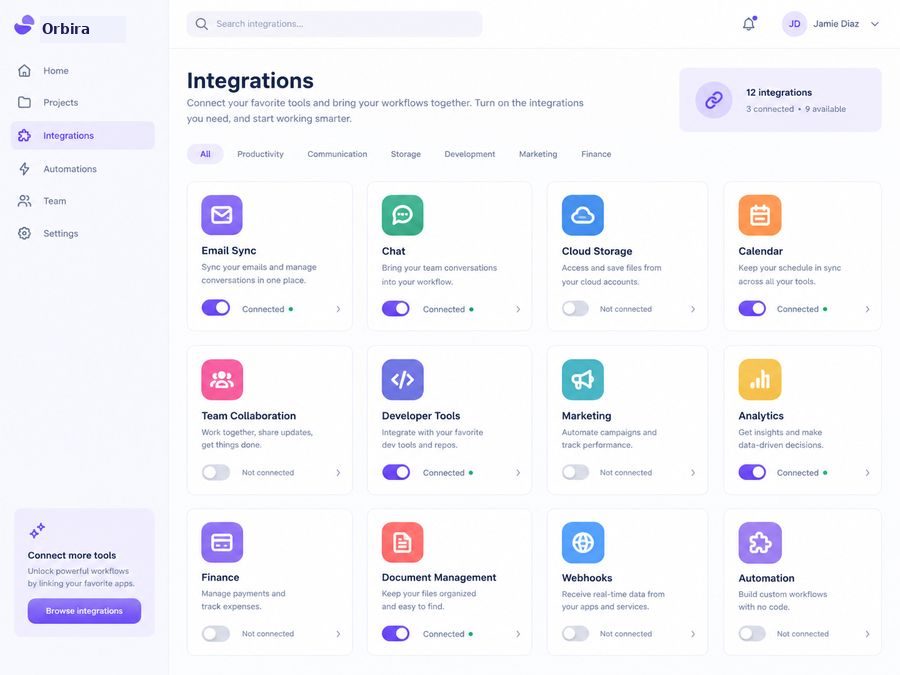
Connect email, calendar, docs, chat and code.
Each connection is scoped. You pick what Orbira can read and what it can write, per tool, and you can disconnect at any time. We are building integrations in the order our beta users ask for them.
See what ran, and why.
Every run records its trigger, each step, what it read and what it changed. If something looks wrong, you can open the run and see exactly where it went sideways, then pause or roll back the workflow.

What is in the beta
Approval steps
Mark any step as needing a yes. Approve from the app or by email.
Suggested workflows
Orbira points out repeated sequences and offers to automate them. You decide.
Schedules and triggers
Run on a timetable, or when something happens, like a new email or a closed ticket.
Permissions per tool
Read-only or read-write, per connection, reviewable in one screen.
Weekly digest
A short summary of what ran and how much manual work it replaced.
Templates
Start from a recipe for status roundups, inbox triage, meeting follow-ups and more.
Want the details?
The how-it-works page walks through four real-world scenarios, and the docs cover setup.
How it worksGetting startedFollow one job from request to result
Click through the four steps of a Friday status summary. The screens below are a simplified illustration of the flow, not real customer data.
Say what you want in plain language
Write the job the way you would brief a colleague: when it runs, where the information is, what the result should look like, and who sees it.
Every Friday at 15:00, read the tasks closed this week, group them by project, write at most five bullets, show me, then post to the team channel. If fewer than three closed, skip and tell me.
Read the plan before anything runs
Orbira turns your request into explicit steps and labels each one as read-only or as something that writes. You can edit the plan or remove a step.
1. Read closed tasks [read]
2. Group by project [read]
3. Draft summary [read]
4. Ask you to approve
5. Post to team channel [writes]
Approve, edit or reject
Anything that sends, shares or deletes waits for you. The request shows the draft and what it was based on, so you can decide in under a minute.
Post this summary to the team channel?
– Billing: three fixes shipped
– Onboarding: copy review done
Based on 12 closed tasks (linked)
See exactly what happened
Every run keeps a log: what started it, what was read, what was written, and who approved. If something is wrong, you find the step and fix the instruction.
Trigger: schedule, Fridays 15:00
Read: closed tasks from tracker
Drafted: 5 bullets
Approval: requested, approved with 1 edit
Wrote: posted to team channel
Succeeded
Ready to give your team its time back?
Join the private beta and automate your first workflow in minutes.
Join the waitlistSee pricing